
























 18 Min

Building an AI-powered app is not reserved for machine learning engineers anymore. In 2026, the barrier to entry is lower than ever. You can integrate AI capabilities into your app without training custom models or understanding neural networks. But you need to understand what AI can and cannot do, how much it costs, and when to build versus when to buy components off the shelf.
This guide walks you through the decision framework non-technical founders need to succeed with AI apps.
What AI Can and Cannot Do in Apps
First, let’s clear the hype. AI is not magic. It’s a set of mathematical models trained on data. These models excel at pattern recognition and prediction. They fail at things that require common sense, absolute certainty, or understanding context beyond their training data.
AI can: Summarize text. Classify sentiment. Generate human-readable responses. Identify objects in images. Recommend products based on user behavior. Detect anomalies in data. Rank search results by relevance. Autocomplete text. Generate variations of existing content.
AI cannot: Guarantee accuracy on critical decisions (diagnosis, legal advice, financial forecasting). Understand context that wasn’t in its training data. Access real-time information (unless you feed it). Keep secrets (if you ask it something private, it might regurgitate similar information in responses to other users). Handle perfectly novel situations. Explain its reasoning in ways you can fully trust.
When you see an AI tool fail spectacularly online, it’s usually because someone asked it to do something outside these categories. They asked it to make a critical decision or understand context it wasn’t trained for. Know the boundary between AI strengths and weaknesses. This saves you from building the wrong product.
Understanding LLMs: OpenAI, Anthropic Claude, and Open-Source Models
Large Language Models (LLMs) are the foundation of most AI apps today. An LLM is a neural network trained on billions of words from the internet. It learns patterns in language and can generate text that mimics those patterns.
The major LLM providers in 2026 are OpenAI API (GPT-4, GPT-4o), Anthropic Claude API (Claude 3 series), and open-source models from Hugging Face models (Llama 3, Mixtral). Each has trade-offs.
OpenAI is the market leader. GPT-4 is the most capable general-purpose model. Costs are 0.03 per 1,000 input tokens and 0.06 per 1,000 output tokens. A token is roughly a word. For context, “Hello, how are you?” is about 7 tokens. Your customers will use thousands of tokens monthly if they’re using the model heavily.
Anthropic Claude is gaining traction because it’s good at long documents and follows instructions precisely. Costs are 0.003 per 1,000 input tokens and 0.015 per 1,000 output tokens (Claude 3 Haiku). Claude is cheaper and often just as good as OpenAI for specific tasks.
Open-source models (Llama 3, Mixtral) are free to download and run on your own servers. The trade-off: you pay for infrastructure (cloud servers, GPUs). A GPU instance costs 0.50-4.00 per hour. For low-traffic apps, this is expensive. For high-volume apps, self-hosting is cheaper than API costs.
For your first AI app, use OpenAI or Anthropic Claude APIs. You don’t have to manage infrastructure. You pay per usage. You can experiment and change models easily. Self-hosting makes sense after you reach 50,000+ API calls per month.
Computer Vision: Identifying Objects, Text, and Patterns in Images
Computer vision lets your app understand images. You can extract text from photos (OCR). Identify objects (is this a dog or cat). Detect faces. Analyze layouts. Check quality (is this photo clear enough).
OpenAI API includes vision capabilities in GPT-4o. Google Cloud AI offers specialized vision APIs. AWS AI services includes Rekognition for object detection.
Computer vision costs depend on the task. Reading text from a photo costs 0.01-0.05 per image with GPT-4o. Detecting objects in an image costs 0.01-0.02 with specialized services. If your app processes 1,000 photos daily, expect 10-50 dollars per day in vision costs.
Common app uses: Real estate apps that analyze photos for condition. Retail apps that identify products from photos. Logistics apps that scan barcodes and text. Healthcare apps that analyze medical images (with proper licensing and compliance).
Recommendation Engines: Personalization at Scale
Recommendation engines predict what users want to see next. Netflix recommends shows. Spotify recommends songs. Amazon recommends products. These engines drive revenue.
There are three approaches: rules-based, collaborative filtering, and AI-powered.
Rules-based is manual. You write rules like “if user watched sci-fi, recommend more sci-fi.” Simple to build. Breaks at scale.
Collaborative filtering finds similar users and recommends items they liked. “Users like you also liked this.” More sophisticated. Requires historical data to work.
AI-powered uses embeddings and LLMs to understand content and user preferences deeply. Requires more infrastructure and data science. But delivers better recommendations.
For your first recommendation engine, start with rules-based or collaborative filtering. Build these into your backend manually. Only invest in AI-powered recommendations after you have 100,000+ users and clear A/B testing showing the ROI.
Get Your Free 45-Minute App Roadmap
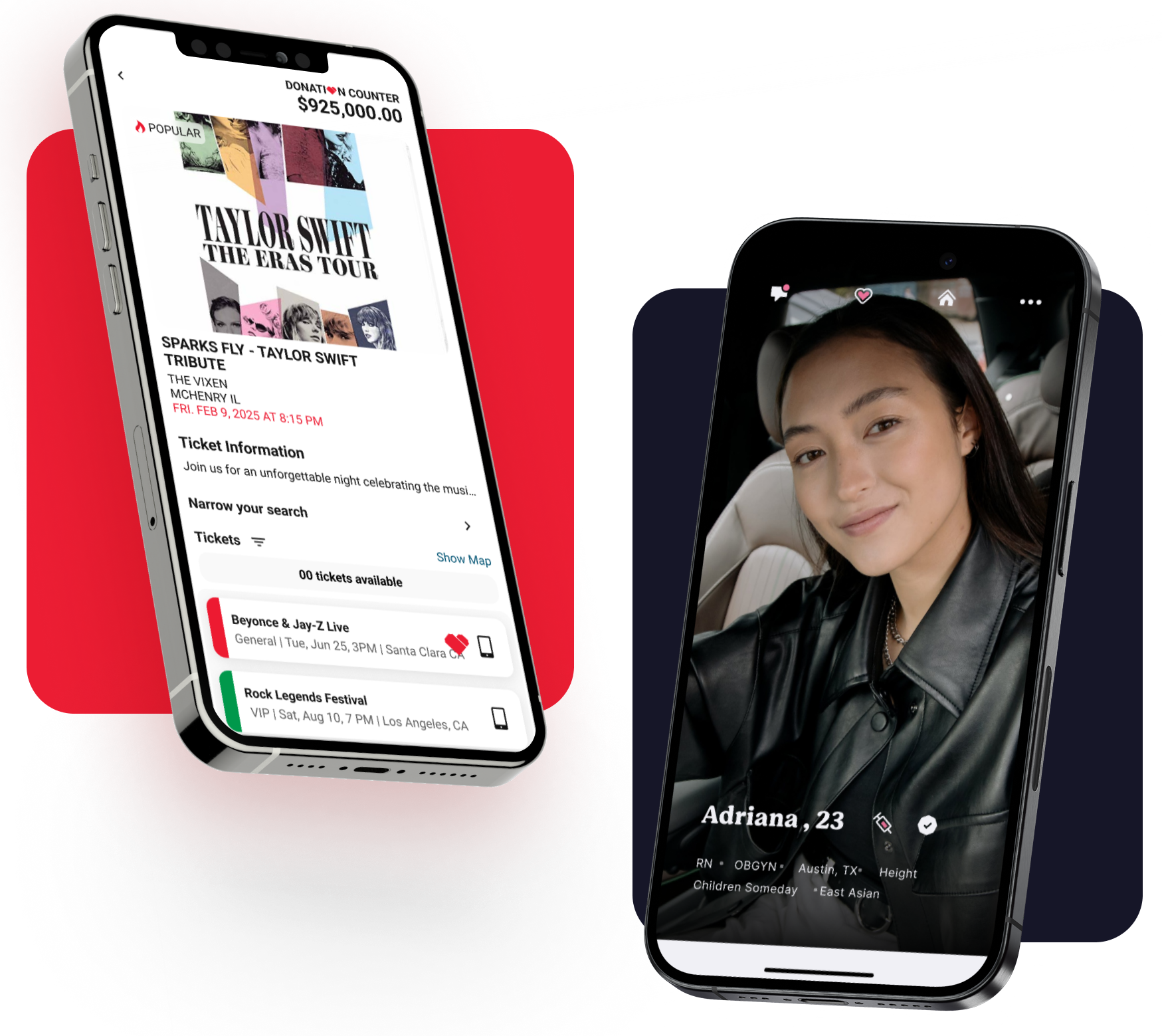
Meet 1-on-1 with our senior product team. We’ll map your MVP or enterprise app and hand you a personalized plan—clear scope, a realistic timeline, and fixed monthly costs—for iOS & Android, web, tablets & wearables, and AI.
Chatbots: When to Use Pre-Built APIs vs. Custom Models
Chatbots are the most common AI feature in apps. A chatbot understands user questions and generates relevant responses.
You can build a chatbot in three ways: use a pre-built service, use an LLM API, or build a custom fine-tuned model.
Pre-built services like Intercom or Zendesk AI are plug-and-play. You connect your knowledge base. The service handles conversation logic. Costs 100-300 per month. Easy to set up. Limited customization.
LLM APIs like OpenAI API or Anthropic Claude API let you build custom chatbots. You design conversation flow. You feed the LLM context (your knowledge base). The LLM generates responses. Costs 0.01-0.10 per conversation. More flexible. Requires development.
Fine-tuned models are LLMs trained on your specific data. Only worth it if you have 100,000+ examples of the exact conversations you want. For 99% of companies, fine-tuning is overkill.
For your first chatbot, use an LLM API. It’s flexible, relatively cheap, and doesn’t require pre-built service lock-in. Feed the model your knowledge base (product docs, FAQs, company info). Let it generate responses based on that context. This costs 5-20 per day for a busy chatbot.
Cost of AI Inference at Scale
This is the critical number founders miss. A single API call to OpenAI costs 0.001-0.05 cents. Seems cheap. But it adds up.
If your app has 10,000 users and each uses AI features 5 times per day, that’s 50,000 API calls daily. At 0.01 cents per call, that’s 500 dollars per day or 15,000 per month in AI costs. That’s a real expense line on your P&L.
Manage inference costs by:
- Limiting AI usage. Not every feature needs AI. Use AI where it adds clear value. Skip AI where a simpler solution works.
- Caching responses. If multiple users ask the same question, don’t call the API twice. Cache the response.
- Batching requests. Some LLMs offer batch APIs that are cheaper (0.50x cost) but slower (24-hour processing). Use batch APIs for non-real-time tasks.
- Using cheaper models. Anthropic Claude 3 Haiku is 10x cheaper than GPT-4. It’s not as capable, but works for many tasks.
- Building custom logic for common cases. If 80% of requests follow a pattern, build non-AI code for that pattern. Use AI only for edge cases.
Many AI startups fail because they underestimated inference costs. They built features that use AI on every interaction, then watched costs balloon. Plan for AI cost from day one.
Build vs. Buy: When to Use Pre-Built AI Components
You have a fundamental decision: build AI features custom or buy them off the shelf.
Buy if:
- Your AI need is generic (chatbot, search ranking, content moderation)
- You want to launch fast (days, not months)
- You don’t have deep differentiation in AI (your app’s value isn’t the AI itself)
- You want someone else managing model updates and infrastructure
Build if:
- Your AI need is unique to your business (your recommendation engine is your competitive advantage)
- You have the team capacity (ML engineer or good engineering talent)
- You’ve validated there’s market demand first
- You can afford the ongoing infrastructure and model maintenance
Most founders should buy. Build only after you’ve proven the concept works and the AI component becomes your moat.
Common AI App Categories in 2026
Personalized Recommendations. Apps that recommend content, products, or services based on user behavior. Examples: music streaming, content platforms, e-commerce. Cost to build: 15,000-40,000. Cost to maintain: 500-2,000 per month in inference.
Intelligent Search. Apps where search is core to the experience and regular keyword search isn’t enough. Examples: job marketplaces (match candidates to roles), real estate (match renters to properties), dating apps. Uses embeddings and semantic search. Cost: 20,000-50,000. Maintenance: 1,000-3,000 per month.
Automated Customer Service. Chatbots that handle support tickets, answer FAQs, and escalate to humans when needed. Cost: 10,000-30,000. Maintenance: 500-1,500 per month in API calls.
Content Generation. Apps that generate text, images, or code. Examples: marketing copy generators, design tools, coding assistants. Cost: 15,000-35,000. Maintenance: highly variable (1,000-10,000+ per month) depending on usage.
Predictive Analytics. Apps that forecast outcomes (churn risk, deal probability, demand forecasting). Cost: 20,000-50,000. Maintenance: 500-2,000 per month.
Building Your First AI App: A Framework
- Define the problem clearly. What specific problem does AI solve that other solutions don’t? If you can’t articulate this in one sentence, you don’t yet understand the problem.
- Validate demand first. Talk to 20-30 potential users. Do they want this feature? Would they pay for it? Only then invest in building.
- Pick one AI task. Don’t build a chatbot, recommendation engine, and image analyzer simultaneously. Pick the one task where AI adds the most value. Do that first.
- Start with an LLM API. Use OpenAI or Anthropic Claude. Don’t self-host or fine-tune. You can optimize later if it becomes a cost problem.
- Build with guardrails. Set limits on response length, tokens per user per day, and features that require human approval. This controls costs and prevents abuse.
- Monitor AI output quality. Track when AI responses fail or disappoint users. Common issues: hallucinations (making up facts), toxicity (rude responses), irrelevance (missing the point). Build dashboards to track these.
- Plan for humans. Every AI system needs a human in the loop. For customer service, humans handle escalations. For content generation, humans review and edit. Build this workflow from the start.
- Test extensively. AI outputs are unpredictable. What works for input A might fail for input B. Test edge cases. Test adversarial inputs. Build test suites around AI output quality.
Building an AI app is achievable in 2026 without deep ML expertise. You use pre-trained models via APIs, integrate them thoughtfully, and monitor output quality. The barrier is not technical anymore. It’s conceptual: understanding what AI can do, when it makes sense to use AI, and how to manage costs and quality as you scale.
If you have a specific AI idea and need a team to build it right, Chop Dawg has built AI features for 50+ products. We can help you avoid the common pitfalls.
TL;DR
Building AI-powered apps in 2026 is accessible to non-technical founders. Use OpenAI API or Anthropic Claude API to add AI features without managing infrastructure. Common categories: recommendations, intelligent search, chatbots, content generation, and predictive analytics. Manage costs by limiting AI use to high-value features and caching responses. Start with one AI task, not five. Build with humans in the loop for quality control. If you need help building and scaling an AI feature correctly, Chop Dawg has shipped AI features for dozens of products and can guide you through the pitfalls.
Frequently Asked Questions
How much does it cost to use LLM APIs like OpenAI?
OpenAI costs 0.03 per 1,000 input tokens and 0.06 per 1,000 output tokens. Roughly, a token is a word. A 1,000-word conversation might cost 0.05. If 10,000 users have 5 conversations daily, that’s 2,500 dollars per month.
Should I use OpenAI or Anthropic Claude?
Both are excellent. OpenAI GPT-4 is slightly more capable. Anthropic Claude is cheaper and better at following instructions. For your first app, try both with a small test group. Pick the one that works best for your use case.
Can I build an AI app without hiring an ML engineer?
Yes. Use pre-built LLM APIs and pre-built components. You don’t need ML expertise to integrate an API and feed it your data. You need good software engineering and product thinking.
How do I control AI costs?
Limit AI usage to features where it adds real value. Cache responses. Use cheaper models. Batch requests. Build non-AI code for common cases. Monitor costs weekly, not monthly.
What’s the difference between an LLM and a fine-tuned model?
LLMs are general-purpose models trained on billions of words. Fine-tuned models are LLMs trained further on your specific data. Fine-tuning helps if you have 100,000+ examples of domain-specific language.
How do I prevent AI from making things up (hallucinations)?
Feed the model only relevant context. If it makes up facts, add guardrails that only allow it to respond to questions answerable from the context you provide. Test extensively for hallucinations.
Can I use open-source models like Llama instead of paying OpenAI?
Yes, but you pay for servers instead. A GPU instance costs 0.50-4.00 per hour. For low-traffic apps, this is more expensive than API costs. For high-volume apps, it’s cheaper. Start with APIs, self-host if costs become prohibitive.
What’s a realistic timeline to launch an AI app?
2-4 months for an MVP with one AI feature. Longer if you need custom models or complex integrations. Faster if you use pre-built services like Intercom for chatbots.


 15 Min